Buy aefca.eu ?
We are moving the project
aefca.eu .
Are you interested in purchasing the domain
aefca.eu ?
domain@kv-gmbh.de · 0541-91531010
Buy aefca.eu ?
Why is the SSD not showing up in Disk Management?
There could be several reasons why an SSD is not showing up in Disk Management. Some common reasons include a faulty connection between the SSD and the computer, a driver issue, or the SSD not being properly initialized. It is also possible that the SSD is not receiving enough power or there could be a compatibility issue with the computer's hardware or operating system. Troubleshooting steps such as checking the connections, updating drivers, and ensuring the SSD is properly initialized may help resolve the issue. **
Why is the SSD not showing up in the disk management?
There could be several reasons why an SSD is not showing up in disk management. Some common reasons include a faulty connection or cable, incorrect BIOS settings, driver issues, or a malfunctioning SSD. It's important to check the physical connections first, ensuring the SSD is properly connected to the motherboard and power supply. If the connections are secure, troubleshooting BIOS settings, updating drivers, or testing the SSD on another system may help identify the issue. **


Similar search terms for SSD
Top-Angebote
Products related to SSD:
-
Sandisk Extreme Portable SSD - 2TB - BlackDescription Store and back up your photos, videos and creative projects with the SanDisk Extreme Portable SSD - 2TB. Designed for content creators, photographers, videographers and anyone who needs portable storage, it provides 2TB of space in a compact drive for convenient access while travelling or working on the move. The drive uses USB-C connectivity and offers high-speed performance, with read speeds of up to 1050 MB/s and write speeds of up to 1000 MB/s. Feature information also states read speeds of up to 1000 MB/s and write speeds of up to 950 MB/s on compatible iPhone, iPad and MacBook devices. Files can be selected, copied, moved and organised from an iPhone or iPad using the Files app, while Time Machine compatibility supports backups with Mac devices. Built for travel, the rugged drive features up to three-metre drop protection, IP65 water and dust resistance, a durable silicone shell and a carabiner loop for attachment to a belt loop or backpack. Password protection with 256-bit AES hardware encryption helps keep private content secure, and the SanDisk Memory Zone app supports file management and automatic space freeing. An essential addition for portable storage, creative work and dependable backups.360,49 £*Shipping: 0,00 £Secure redirect to the provider
-
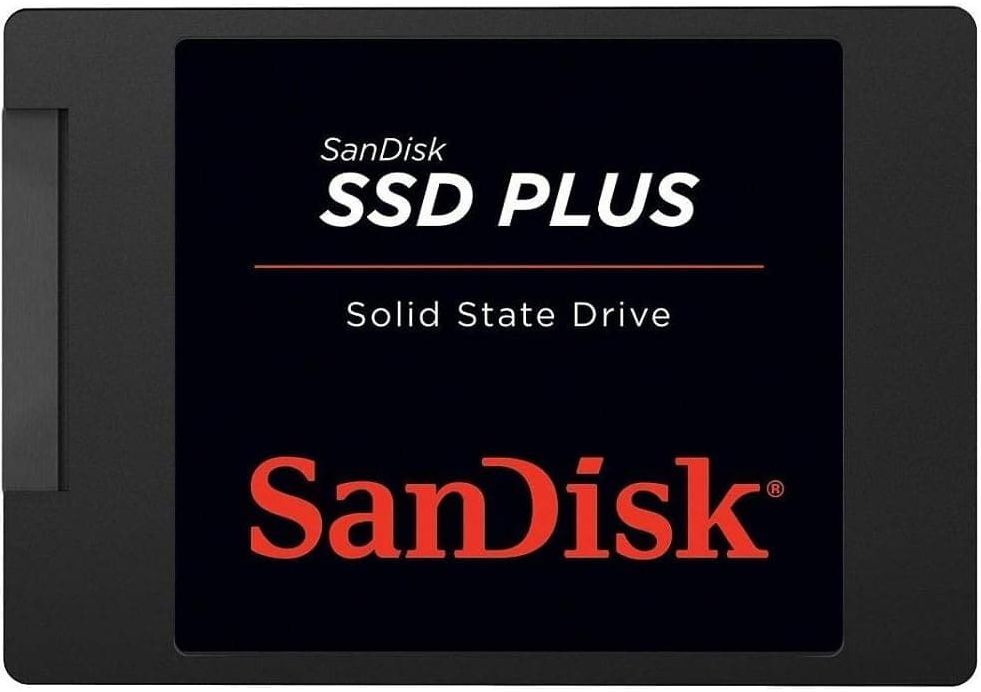
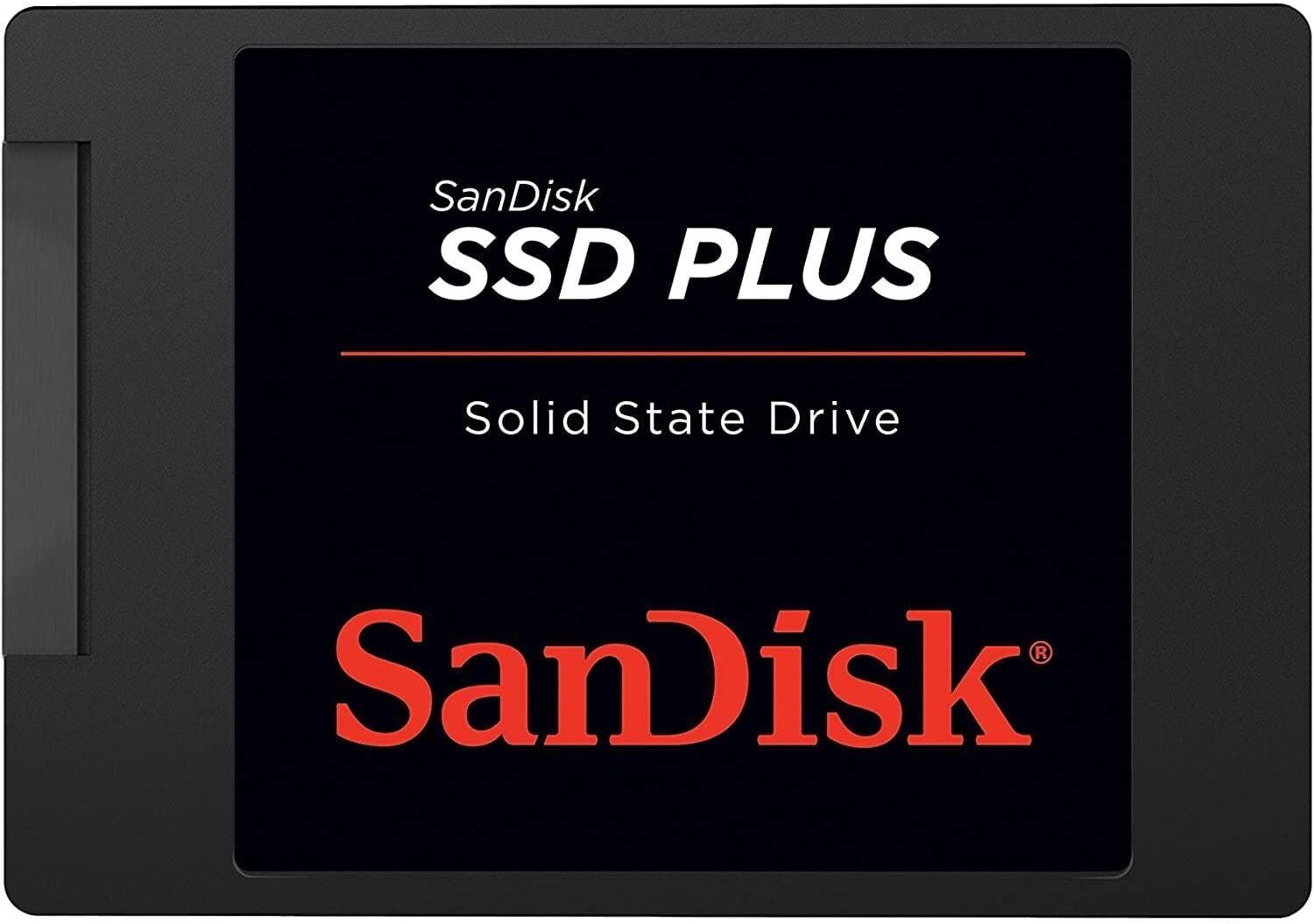
Sandisk SSD PLUS 240GB SATA III 2.5" Internal SSD – Up to 530MB/s, Black, Used - Very GoodOverview The SanDisk SSD PLUS 240GB SATA III 2.5 Inch Internal SSD offers a reliable and affordable storage upgrade for laptops and desktops. With read speeds up to 530MB/s, it significantly improves boot times, file transfers, and overall system responsiveness. Key Features 240GB storage capacity for essential files and applications SATA III interface for fast data transfer speeds 2.5-inch form factor compatible with most laptops and desktops Durable design for long-lasting performance Low power consumption for improved energy efficiency Ideal for system upgrades and everyday computing Product Description Enhance your computer’s performance with the SanDisk SSD PLUS 240GB SATA III Internal SSD. This solid-state drive provides fast and reliable storage with read speeds up to 530MB/s, reducing boot times and accelerating application launches. Its 2.5-inch form factor fits easily into most laptops and desktop PCs, offering a simple upgrade path. Designed for durability and efficiency, the SanDisk SSD PLUS delivers consistent performance to meet the demands of daily computing, gaming, and multitasking. Upgrade your system today for faster, smoother operation.45,00 £*Shipping: 0,00 £Secure redirect to the provider
-
Gadcet Chadwell Heath SanDisk SSD Plus 2TB 2.5" SATA III Internal SSD – Up to 545MB/s, NewBoost your system’s speed and reliability with the SanDisk SSD PLUS 2TB SATA III Internal SSD. Offering up to 545MB/s read speeds, it delivers faster boot times, quicker file transfers, and enhanced performance compared to traditional hard drives. Overview: The SanDisk SSD PLUS 2TB is an easy upgrade for desktops and laptops, bringing improved speed, durability, and energy efficiency. With SATA III compatibility and a standard 2.5-inch form factor, it fits most systems seamlessly. Whether you’re upgrading an older computer or expanding storage, this SSD enhances everyday performance with smoother multitasking and quicker load times. Key Features: 2TB Capacity – Store large files, applications, and games with ease. Up to 545MB/s Read Speeds – Faster boot-up and data access. SATA III, 2.5-Inch Form Factor – Wide compatibility with desktops and laptops. Reliable Solid-State Performance – Shock and vibration resistant, with no moving parts. Energy Efficient – Lower power consumption compared to HDDs. Easy Installation – Standard 2.5-inch design for quick upgrades. Product Description: The SanDisk SSD PLUS 2TB SATA III 2.5" Internal SSD offers the perfect balance of performance and value for upgrading your PC. Delivering read speeds of up to 545MB/s, it significantly reduces load times, improves responsiveness, and enhances overall system performance. Unlike mechanical hard drives, this SSD has no moving parts, making it more durable and resistant to shock and vibration. With its 2TB storage capacity, it’s ideal for storing large files, games, and media libraries. Energy-efficient and easy to install, the SanDisk SSD PLUS is a reliable solution to extend the life of your computer and boost everyday performance.249,00 £*Shipping: 0,00 £Secure redirect to the provider


-
What is better: SSD or M.2 SSD?
SSD and M.2 SSD are both types of solid-state drives, but M.2 SSDs are generally considered better in terms of performance and form factor. M.2 SSDs are smaller and can be directly attached to the motherboard, which can lead to faster data transfer speeds compared to traditional SSDs. Additionally, M.2 SSDs are more efficient in terms of power consumption and can offer higher storage capacities. Overall, M.2 SSDs are often considered the better option for those looking for faster and more efficient storage solutions. **
-
Is the Kingston A400 SSD a good SSD?
The Kingston A400 SSD is a decent entry-level SSD that offers faster boot times and improved overall system performance compared to traditional hard drives. It is a good option for those looking to upgrade from an HDD to an SSD on a budget. However, it may not offer the same level of performance and reliability as higher-end SSDs. Overall, the Kingston A400 SSD is a good choice for those looking for a cost-effective way to improve their computer's speed and responsiveness. **
-
Which SSD is better: the Sandisk 3D Ultra SSD or the Crucial MX500 SSD?
Both the Sandisk 3D Ultra SSD and the Crucial MX500 SSD are reputable options with similar performance levels. The Crucial MX500 SSD is known for its reliability and endurance, making it a popular choice for those looking for a long-lasting drive. On the other hand, the Sandisk 3D Ultra SSD offers slightly faster read and write speeds, which may be beneficial for users who prioritize speed. Ultimately, the choice between the two will depend on individual needs and preferences. **
-
Is the SSD recognized in the BIOS but not in Disk Management?
If the SSD is recognized in the BIOS but not in Disk Management, it could indicate a potential issue with the drive's partitioning or formatting. You may need to initialize the SSD in Disk Management to make it usable. Additionally, checking the device manager for any driver issues related to the SSD could also help resolve the problem. If these steps do not work, there may be a hardware problem with the SSD that requires further troubleshooting or professional assistance. **


Which option is grammatically correct: 128 GB SSD, 1 TB SSD, or 256 GB SSD?
All three options are grammatically correct. The first option, "128 GB SSD," uses the standard format of stating the storage capacity followed by the type of drive. The second option, "1 TB SSD," follows the same format but with a different storage capacity. The third option, "256 GB SSD," also adheres to the same structure. Ultimately, the choice between these options depends on the specific storage capacity needed for the device. **
Is an M.2 SSD compatible with an SSD?
An M.2 SSD is a type of SSD that uses the M.2 form factor and interface to connect to a computer's motherboard. Therefore, an M.2 SSD is a specific type of SSD. Both traditional 2.5-inch SATA SSDs and M.2 SSDs serve the same purpose of storing data on solid-state memory, but they have different physical designs and connection methods. In terms of compatibility, it depends on the specific hardware in question – some systems may support both types of SSDs, while others may only support one or the other. **
Top-Angebote
Products related to SSD:
-
John Murray Business Coaching For Performance 6th Edition: The Principles And Practice Of Coaching And Leadership - Non FictionTitle:. Coaching For Performance 6th Edition: The Principles And Practice Of Coaching And Leadership Overview:. Unlock the full potential of your team with this essential guide to professional coaching. John Whitmore’s text delivers a clear roadmap for improving results. You will learn to ask powerful questions that spark independent thinking. The pages walk you through real-world scenarios to build trust. Every chapter offers actionable steps to foster accountability. You discover how to balance high expectations with genuine support. This updated guide keeps core principles sharp for modern workplaces. It bridges the gap between theory and daily practice. You gain the tools to navigate complex conversations confidently. Your leadership journey starts with a structured path forward. This authoritative text transforms how you approach daily challenges. You stop guessing and start implementing proven methodologies. Your conversations become less stressful and far more productive. What Makes This Book Stand Out:. What sets this title apart is its laser focus on human potential. Instead of offering generic advice, it teaches you how to ignite internal motivation. The widely recognised GROW framework serves as a reliable backbone for every session. You receive concrete techniques for managing resistance at work. The writing remains direct and accessible. You get deep insight into psychological barriers that limit growth. Each lesson connects back to measurable outcomes. This approach cultivates a culture where feedback feels genuinely supportive. You keep returning to its pages for consistent leadership habits. The practical exercises help you track progress without getting bogged down. You watch reluctant employees transform into proactive problem solvers. Managing becomes easier when you shift from telling to asking. Who This Book Is Perfect For:. Managers looking to avoid micromanagement will find immediate value in these pages. Business owners apply these strategies to accelerate team productivity quickly. Human resources professionals appreciate the clear guidelines for one-to-one meetings. Aspiring life coaches benefit from the foundational psychological groundwork. Students studying organisational psychology recognize this as a crucial reference point. Anyone who guides others forward can sharpen their interpersonal skills daily. The guidance works equally well for managing remote or hybrid teams.. You do not need prior training to implement these tactics successfully. The logical structure allows you to dip in for current solutions. Corporate training coordinators frequently adopt this manual as their primary classroom resource. Senior executives use it to recalibrate boardroom dynamics and drive alignment. Key Highlights:. Empowerment Strategy: Learn to replace directives with questions that unlock employee decision-making.. GROW Framework: Master a four-step system for structuring productive development conversations.. Psychological...24,99 £*Shipping: 2,99 £Secure redirect to the provider
-
Verbatim Vi550 S3 SSD 1TBVerbatim 2.5'' SATA III 7mm solid state drives can revitalise the performance of your system. Using the latest 3D NAND technology they offer the perfect way to upgrade from either hard drive or an older SSD. The Vi550 has a superior controller for increased reliability, larger capacities and faster read/write speeds.Expand the lifetime of your laptop or PCBreathe new life into an older system by replacing a tired hard drive or a legacy 2D NAND SSD with a Vi550 S3 SSD. The Vi550 offers read speeds of up to 560MB/s, up to 20 times faster than a standard hard drive. With a MTBF (mean time before failure) rating of 2 million hours and TBW rating of up to 480TB (1TB capacity), the Vi550 is a high spec SSD that can be relied upon. Recommended for professional installation.127,49 £*Shipping: 0,00 £Secure redirect to the provider
-
Sandisk Extreme Portable SSD - 2TB - BlackDescription Store and back up your photos, videos and creative projects with the SanDisk Extreme Portable SSD - 2TB. Designed for content creators, photographers, videographers and anyone who needs portable storage, it provides 2TB of space in a compact drive for convenient access while travelling or working on the move. The drive uses USB-C connectivity and offers high-speed performance, with read speeds of up to 1050 MB/s and write speeds of up to 1000 MB/s. Feature information also states read speeds of up to 1000 MB/s and write speeds of up to 950 MB/s on compatible iPhone, iPad and MacBook devices. Files can be selected, copied, moved and organised from an iPhone or iPad using the Files app, while Time Machine compatibility supports backups with Mac devices. Built for travel, the rugged drive features up to three-metre drop protection, IP65 water and dust resistance, a durable silicone shell and a carabiner loop for attachment to a belt loop or backpack. Password protection with 256-bit AES hardware encryption helps keep private content secure, and the SanDisk Memory Zone app supports file management and automatic space freeing. An essential addition for portable storage, creative work and dependable backups.360,49 £*Shipping: 0,00 £Secure redirect to the provider
-
Sandisk SSD PLUS 240GB SATA III 2.5" Internal SSD – Up to 530MB/s, Black, Used - Very GoodOverview The SanDisk SSD PLUS 240GB SATA III 2.5 Inch Internal SSD offers a reliable and affordable storage upgrade for laptops and desktops. With read speeds up to 530MB/s, it significantly improves boot times, file transfers, and overall system responsiveness. Key Features 240GB storage capacity for essential files and applications SATA III interface for fast data transfer speeds 2.5-inch form factor compatible with most laptops and desktops Durable design for long-lasting performance Low power consumption for improved energy efficiency Ideal for system upgrades and everyday computing Product Description Enhance your computer’s performance with the SanDisk SSD PLUS 240GB SATA III Internal SSD. This solid-state drive provides fast and reliable storage with read speeds up to 530MB/s, reducing boot times and accelerating application launches. Its 2.5-inch form factor fits easily into most laptops and desktop PCs, offering a simple upgrade path. Designed for durability and efficiency, the SanDisk SSD PLUS delivers consistent performance to meet the demands of daily computing, gaming, and multitasking. Upgrade your system today for faster, smoother operation.45,00 £*Shipping: 0,00 £Secure redirect to the provider
-
Why is the SSD not showing up in Disk Management?
There could be several reasons why an SSD is not showing up in Disk Management. Some common reasons include a faulty connection between the SSD and the computer, a driver issue, or the SSD not being properly initialized. It is also possible that the SSD is not receiving enough power or there could be a compatibility issue with the computer's hardware or operating system. Troubleshooting steps such as checking the connections, updating drivers, and ensuring the SSD is properly initialized may help resolve the issue. **
-
Why is the SSD not showing up in the disk management?
There could be several reasons why an SSD is not showing up in disk management. Some common reasons include a faulty connection or cable, incorrect BIOS settings, driver issues, or a malfunctioning SSD. It's important to check the physical connections first, ensuring the SSD is properly connected to the motherboard and power supply. If the connections are secure, troubleshooting BIOS settings, updating drivers, or testing the SSD on another system may help identify the issue. **
-
What is better: SSD or M.2 SSD?
SSD and M.2 SSD are both types of solid-state drives, but M.2 SSDs are generally considered better in terms of performance and form factor. M.2 SSDs are smaller and can be directly attached to the motherboard, which can lead to faster data transfer speeds compared to traditional SSDs. Additionally, M.2 SSDs are more efficient in terms of power consumption and can offer higher storage capacities. Overall, M.2 SSDs are often considered the better option for those looking for faster and more efficient storage solutions. **
-
Is the Kingston A400 SSD a good SSD?
The Kingston A400 SSD is a decent entry-level SSD that offers faster boot times and improved overall system performance compared to traditional hard drives. It is a good option for those looking to upgrade from an HDD to an SSD on a budget. However, it may not offer the same level of performance and reliability as higher-end SSDs. Overall, the Kingston A400 SSD is a good choice for those looking for a cost-effective way to improve their computer's speed and responsiveness. **
Similar search terms for SSD
-
Gadcet Chadwell Heath SanDisk SSD Plus 2TB 2.5" SATA III Internal SSD – Up to 545MB/s, NewBoost your system’s speed and reliability with the SanDisk SSD PLUS 2TB SATA III Internal SSD. Offering up to 545MB/s read speeds, it delivers faster boot times, quicker file transfers, and enhanced performance compared to traditional hard drives. Overview: The SanDisk SSD PLUS 2TB is an easy upgrade for desktops and laptops, bringing improved speed, durability, and energy efficiency. With SATA III compatibility and a standard 2.5-inch form factor, it fits most systems seamlessly. Whether you’re upgrading an older computer or expanding storage, this SSD enhances everyday performance with smoother multitasking and quicker load times. Key Features: 2TB Capacity – Store large files, applications, and games with ease. Up to 545MB/s Read Speeds – Faster boot-up and data access. SATA III, 2.5-Inch Form Factor – Wide compatibility with desktops and laptops. Reliable Solid-State Performance – Shock and vibration resistant, with no moving parts. Energy Efficient – Lower power consumption compared to HDDs. Easy Installation – Standard 2.5-inch design for quick upgrades. Product Description: The SanDisk SSD PLUS 2TB SATA III 2.5" Internal SSD offers the perfect balance of performance and value for upgrading your PC. Delivering read speeds of up to 545MB/s, it significantly reduces load times, improves responsiveness, and enhances overall system performance. Unlike mechanical hard drives, this SSD has no moving parts, making it more durable and resistant to shock and vibration. With its 2TB storage capacity, it’s ideal for storing large files, games, and media libraries. Energy-efficient and easy to install, the SanDisk SSD PLUS is a reliable solution to extend the life of your computer and boost everyday performance.249,00 £*Shipping: 0,00 £Secure redirect to the provider
-
Crucial BX500 2.5-inch SATA Internal SSD 1TBUpgrade your computer with the Crucial BX500 1TB 2.5-inch Internal SSD, designed to deliver faster boot times, quicker file transfers, and improved overall system responsiveness. Built with reliable 3D NAND technology, the BX500 offers dependable performance while consuming less power than traditional hard drives. With 1TB of storage capacity, you'll have plenty of space for your operating system, applications, games, photos, and documents. The SATA III 6Gb/s interface provides sequential read speeds of up to 540MB/s, helping you launch programs and access files more quickly. Its slim 2.5-inch form factor makes it an excellent upgrade for compatible desktops and laptops.132,99 £*Shipping: 0,00 £Secure redirect to the provider
-
Which SSD is better: the Sandisk 3D Ultra SSD or the Crucial MX500 SSD?
Both the Sandisk 3D Ultra SSD and the Crucial MX500 SSD are reputable options with similar performance levels. The Crucial MX500 SSD is known for its reliability and endurance, making it a popular choice for those looking for a long-lasting drive. On the other hand, the Sandisk 3D Ultra SSD offers slightly faster read and write speeds, which may be beneficial for users who prioritize speed. Ultimately, the choice between the two will depend on individual needs and preferences. **
-
Is the SSD recognized in the BIOS but not in Disk Management?
If the SSD is recognized in the BIOS but not in Disk Management, it could indicate a potential issue with the drive's partitioning or formatting. You may need to initialize the SSD in Disk Management to make it usable. Additionally, checking the device manager for any driver issues related to the SSD could also help resolve the problem. If these steps do not work, there may be a hardware problem with the SSD that requires further troubleshooting or professional assistance. **
-
Which option is grammatically correct: 128 GB SSD, 1 TB SSD, or 256 GB SSD?
All three options are grammatically correct. The first option, "128 GB SSD," uses the standard format of stating the storage capacity followed by the type of drive. The second option, "1 TB SSD," follows the same format but with a different storage capacity. The third option, "256 GB SSD," also adheres to the same structure. Ultimately, the choice between these options depends on the specific storage capacity needed for the device. **
-
Is an M.2 SSD compatible with an SSD?
An M.2 SSD is a type of SSD that uses the M.2 form factor and interface to connect to a computer's motherboard. Therefore, an M.2 SSD is a specific type of SSD. Both traditional 2.5-inch SATA SSDs and M.2 SSDs serve the same purpose of storing data on solid-state memory, but they have different physical designs and connection methods. In terms of compatibility, it depends on the specific hardware in question – some systems may support both types of SSDs, while others may only support one or the other. **
* All prices are inclusive of VAT and, if applicable, plus shipping costs. The offer information is based on the details provided by the respective shop and is updated through automated processes. Real-time updates do not occur, so deviations can occur in individual cases. ** Note: Parts of this content were created by AI.